What AI Overviews Teach Creators About Content Workflows
Search traffic is borrowed attention. AI Overviews make that more visible: a page can still rank, impressions can still rise, and the click can still disappear because the answer is summarized before a visitor reaches the site.
PixelJetty is independent and is not owned by, operated by, or officially affiliated with Envato, Google, Meta, or another tool vendor. Educational content only; no traffic, audience growth, income, ranking, follower, or sales result is guaranteed.
Some tools or resources mentioned on PixelJetty may be commercial or affiliate links. PixelJetty may earn a commission if you choose to buy through those links, at no extra cost to you. Tool recommendations are workflow aids, not guaranteed outcomes.
In an interview on The Edward Show, SignLab founder Endre Olsvik Elvestad reported that the company lost roughly 50 percent of its Google clicks after AI Overviews began answering more sign-language queries directly in search results. Treat that as an interview claim, not independently audited analytics.
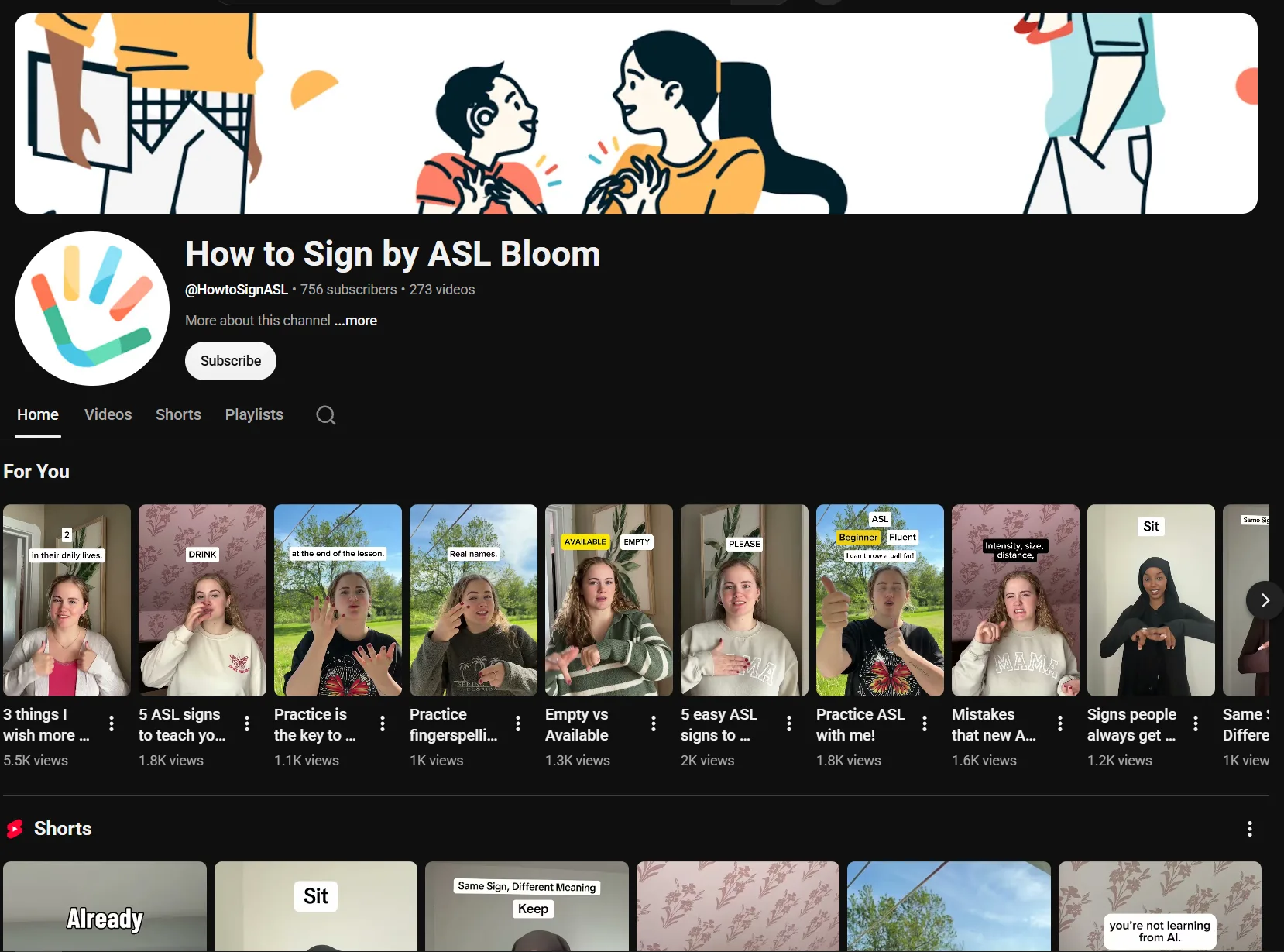
The useful detail is the pattern behind the drop: visibility can remain while fewer people need to leave the search page. Google explains that AI Overviews use generative AI to provide responses in Search with links for deeper exploration.
That does not mean content is dead. It means content needs a different job. The stronger question is no longer "How do we get every lost click back?" It is "How do we turn useful ideas into a content system that does not depend on one platform sending us traffic?"
The problem: ranking is no longer the same as getting clicks
Traditional SEO trained many teams to watch rankings first. If a page ranked well, traffic usually followed. AI search breaks part of that relationship.
- Rankings may stay similar.
- Impressions may keep growing.
- Click-through rate may fall.
- Organic traffic may drop.
- Conversions from simple top-of-funnel pages may become less reliable.
For creators and small businesses, the practical lesson is clear: visibility alone is not enough. Content has to create a reason to continue.
Why simple informational content is more vulnerable
AI systems are especially good at summarizing direct-answer content: definitions, quick how-to steps, simple comparisons, and short factual explanations.
These pages can still be useful. They can help with topical coverage, internal linking, and search discovery. But if the full value of a page can be compressed into four lines, a search result can often satisfy the user before the visit happens.
A simple informational page should now be part of a larger workflow:
- It introduces a topic.
- It links to deeper decision content.
- It supports comparison pages.
- It feeds video or social scripts.
- It gives the creator reusable language for other channels.
The better shift: move from answers to decisions
AI can summarize basic answers. It is weaker when the user needs context, tradeoffs, examples, and judgment. That is where middle-funnel and bottom-funnel content becomes more important.
Instead of writing only "What is a content calendar?", a stronger creator workflow might include:
- How to build a content calendar for a one-person creator business.
- How to plan a month of Reels from one long-form article.
- Should a freelancer publish on YouTube, Threads, or a blog first?
- How to turn an asset library into a repeatable client content workflow, like this client presentation workflow tutorial.
The reader is not only asking for a definition. They are trying to choose, build, buy, publish, compare, pitch, or improve something.
Owned content still matters, but it needs distribution
The wrong conclusion is to stop publishing on your own site.
Owned content still gives you a place to publish deep guides, collect internal links, host checklists, support email, and send social traffic to a first-party page you control.
The mistake is treating the article as the final output. In a stronger workflow, the article is the source asset.
- A YouTube outline.
- A short-form video script.
- A Threads observation.
- A Facebook post.
- A newsletter section.
- A checklist or comparison table.
- A link to a related first-party page, such as Creator Playbooks or the 7 content channels guide.
A practical workflow for creators
1. Start with the real user problem
Do not start with a keyword only. Start with the situation the reader is in. "Instagram Reels templates" is a topic. "How a restaurant can choose Reels templates that show food, offers, and location clearly" is a problem.
2. Separate top, middle, and bottom funnel
Top-of-funnel content answers broad questions. Middle-funnel content helps the reader compare options. Bottom-funnel content helps the reader decide or act. For example, a creator could move from "What is a logo reveal?" to choosing a logo reveal for a dental clinic or comparing asset and design workflows.
3. Add a reason to visit the page
If the answer can be summarized, add something that cannot be reduced easily: a decision framework, checklist, comparison table, workflow diagram, practical example, or curated next step.
4. Turn the article into channel assets
After the article draft exists, create the distribution assets immediately: one Threads post, one Facebook post, one short-form video idea, one email note, and one internal link path back to the owned page.
5. Use AI for the workflow, not only the draft
The weakest use of AI is asking it to write a generic article and publishing the result untouched. The stronger use is operational: cluster audience questions, compare intent, draft outlines, repurpose ideas, check claims, and flag weak sections for human review.
| Question | Practical check |
|---|---|
| What problem does this solve? | Name the situation, not only the keyword. |
| Is this top, middle, or bottom funnel? | Do not depend on simple answer content alone. |
| Why would someone still click? | Add a framework, checklist, example, or decision aid. |
| What owned page should this support? | Connect it to a PixelJetty guide, comparison, or Start Here page. |
| What social posts come from it? | Pull one observation per post. |
| What video angle comes from it? | Turn the core lesson into a short script or YouTube outline. |
| What should be measured? | Track qualified clicks, replies, signups, and useful engagement. |
Final recommendation
Do not build a content strategy around getting every old click back. Build a system where each useful idea becomes an owned page, a reason to visit, social and video assets, and a measurable next step.
Sources
- The Edward Show, E1115 : source for the reported SignLab traffic-drop claim and recovery strategy. The 50 percent figure is treated as an interview claim.
- RankRise ASL Bloom case study : source for ASL Bloom's programmatic SEO background and high-intent query example.
- Google Search Help on AI Overviews : source for Google's user-facing explanation of AI Overviews in Search.
- Google Search Central on AI features : source for site-owner guidance on AI features and search fundamentals.
FAQ
Should creators stop writing SEO content because of AI Overviews?
No. Owned search content still matters. The shift is that simple answer pages should not be the whole strategy. Stronger pages help readers compare, decide, implement, and move to a practical next step.
What kind of content is more vulnerable to AI summaries?
Basic definitions, simple how-to answers, and short factual explanations are more vulnerable because they can often be summarized directly in search results.
What kind of content is harder to replace with a short summary?
Decision guides, comparison pages, workflows, examples, templates, checklists, and context-heavy tutorials are harder to replace because the reader needs judgment and application, not only a quick answer.
Does every article need a video and social campaign?
No. But important articles should have a distribution plan. A useful article can often support a few social posts, a short video idea, a newsletter note, and internal links to related pages.
How should AI fit into the content workflow?
Use AI to support research, outlining, repurposing, review, and quality checks. Do not use it as a replacement for source verification, editorial judgment, or first-hand understanding of the audience.
Published by PixelJetty on 2026-07-28. Canonical URL: https://pixeljetty.com/creator-playbooks/ai-overviews-content-workflow